









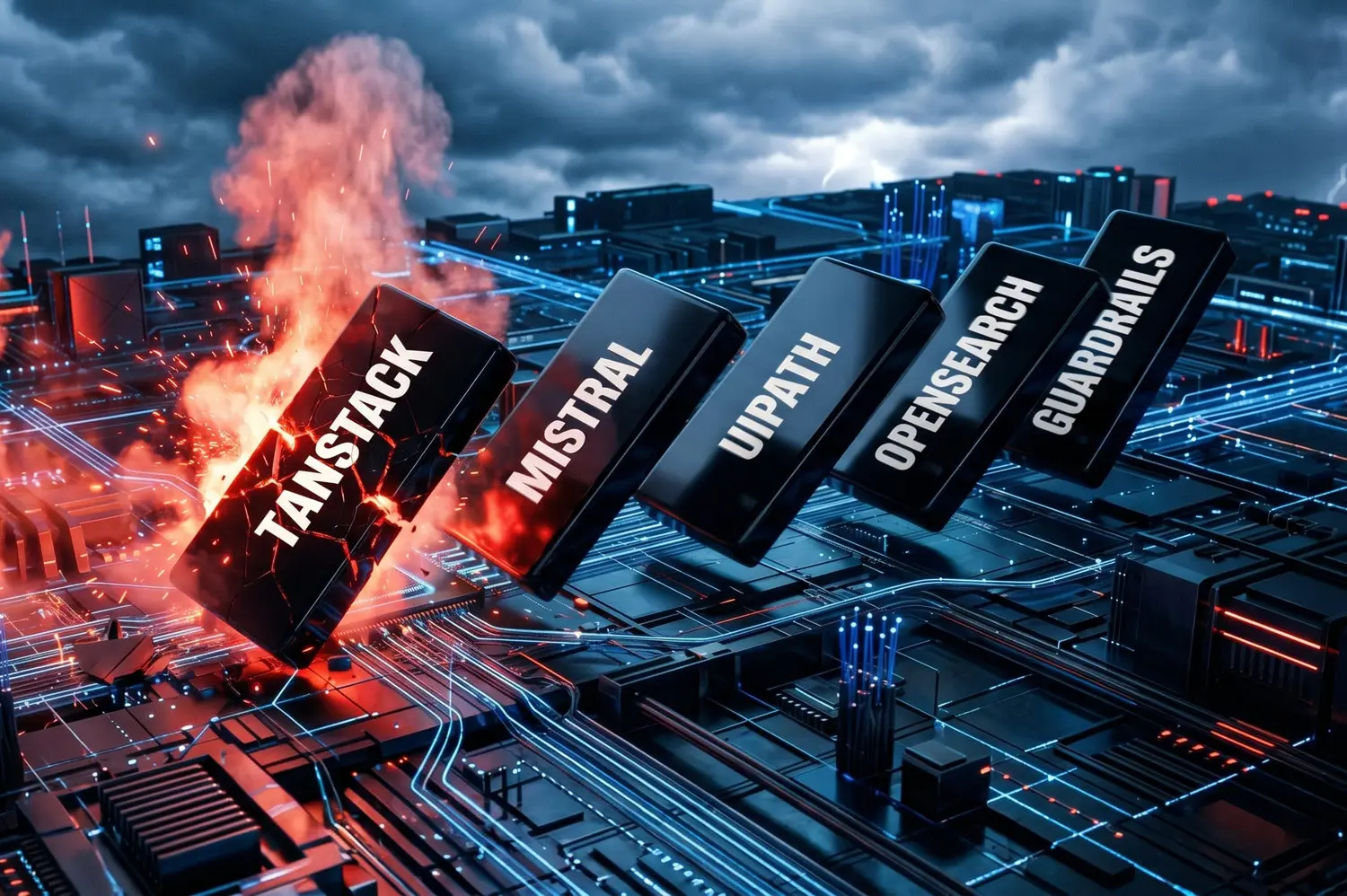
Mistral AI SDKs were compromised for several hours in a large-scale supply chain attack. A look back at the event and the consequences to be drawn from it.
This is the fourth wave of attacks of this kind in less than eight months. On May 12, 2026, a new attack on the software supply chain affected more than 170 packages, including 168 on npm and 2 on PyPI. Among them, the Mistral AI SDKs were compromised for a little over three hours. A sufficient window for some users to have been able to install or update the SDK with the corrupted version. Inside, a stealer-type malware, designed to extract the identifiers of the infected machine and propagate to other packages, coupled with a sabotage mechanism triggered in the event of token revocation. Feedback on the incident, remediation measures and best practices to limit the risk in the future.
A contaminated repository and the entire open source chain goes up in flames
At the origin of the attack, everything starts from the TanStack repository (a JavaScript library for React). On May 10, a hacker from the TeamPCP group created a fork of the TanStack/router repository. By exploiting a chain of three vulnerabilities in GitHub Actions, he managed to publish 84 compromised versions on 42 @tanstack/* packages, under the legitimate identity of TanStack and with a valid SLSA certificate of provenance. No npm tokens were stolen, the official release workflow was not modified. This is the first documented case of a malicious npm package with a valid SLSA.
The payload is designed to propagate. Once executed, it searches for GitHub Actions and npm tokens accessible from the machine. It is through this mechanism that the device of a Mistral developer, contaminated via TanStack packages, served as a springboard to publish the compromised SDKs. UiPath (65 packages), OpenSearch and Guardrails AI were hit by the same domino effect, for a total of more than 170 compromised packages.
However, all systems that installed the affected Mistral packages (see below) between 00:45 and 03:53 (Paris time) on May 12 recovered the malware on their machine. Mistral specifies in its advisory the list of affected packages, namely:
For npm:
@mistralai/mistralai en version 2.2.2, 2.2.3, 2.2.4

@mistralai/mistralai-azure en version 1.7.1, 1.7.2, 1.7.3

@mistralai/mistralai-gcp en version 1.7.1, 1.7.2, 1.7.3
For PyPi:
mistralai en version 2.4.6
The French publisher adds, however, that although the npm packages were corrupted, the malware could not have executed due to the lack of a file essential to its operation. On the other hand, the malware injected into the PyPI package was operational.
What could the malware actually do?
According to Wiz’s analysis, the malware was primarily aimed at stealing credentials and spreading. Once executed, it searched for GitHub, npm, GitLab or CircleCI tokens, AWS, GCP and Azure cloud identifiers, Kubernetes, Vault secrets or even access to package registries. These credentials could then be exfiltrated through multiple command and control channels, then reused to in turn publish new compromised versions of packages to which the victim had access. A real verse in short.
Some variants also installed a persistent process on macOS or Linux capable of monitoring the revocation of GitHub tokens and triggering a destructive command on the machine (rm -rf ~/). The malware also incorporated a geographic avoidance mechanism; if it detected a Russian-language system configuration, it stopped without exfiltrating the data.
How do you know if you have been infected? What remediation procedure?
The first step is to check your dependency files (automatically generated by npm or pip which precisely list the versions of each installed library) in your project. Look for the versions listed above. Mistral specifies that you are not concerned if these versions do not appear in these files, nor in your build caches, nor in your deployment artifacts, nor in your private package mirrors. On a potentially affected Linux or macOS system, you should also look for the presence of the /tmp/transformers.pyz file (indicator of successful execution of the PyPI payload) and a persistent process named gh-token-monitor, installed respectively under ~/.config/systemd/user/ on Linux or ~/Library/LaunchAgents/ on macOS.
If you have identified a compromised version in your environment, the first action you should take is to kill the gh-token-monitor process before anything else, before revoking your GitHub tokens. Once this little bomb has been defused, you can proceed to revoke all your tokens accessible from the affected machine(s) (npm and GitHub tokens, AWS, GCP, Azure, Kubernetes, SSH, etc.). Mistral also recommends blocking git-tanstack domains at the DNS or proxy level.[.]com and *.getsession.org, as well as the IP address 83.142.209.194, used by the malware.
How to limit risks in the future?
First common sense measure: do not automatically apply the latest updates to your dependencies. Introducing a voluntary delay of 24 hours before any update gives time for the community, and automated detection tools, to report a corrupted version. In the same spirit, maintaining a precise list of dependencies for each of your projects is not optional. This will allow you, during the next incident, to know in a few minutes whether you are exposed rather than in a few hours.
On the right of access side, the lesson is brutal: a developer whose machine is compromised should never be able, alone, to publish the entire SDK of a publisher. Apply the principle of least privilege, each account, pipeline or service provider only has the rights strictly necessary for its task, and do not store all of your credentials on a single machine. Recommendations that the CERT-FR already formalized in 2019 in its guide to supply chain attacks.
The case of code AI agents
This is probably where the real danger lies. Code wizards like Claude Code, Codex, Gemini CLI & co install dependencies in seconds, often without human validation. If the agent runs in an environment that contains your GitHub tokens, your cloud credentials and your SSH access (in other words, your development machine), the risk is maximum. First advice, run your agents in isolated environments (Docker containers, sandboxes, or even dedicated VPS) which only contain the credentials strictly necessary for the task in progress. Second reflex, deactivate self-approval of installation orders and impose manual validation for your strategic projects. Finally, last piece of advice: give only the necessary rights to your code agent, no more, no less.
Attacks on the software supply chain are not new. What changes in 2026 is the scale. The increasing interconnectedness of open source components, combined with the speed of dependency generation and installation enabled by code brokers, turns each compromised package into a cluster bomb. Where a developer took a few minutes to evaluate a new library, an agent now installs ten in a few seconds.