









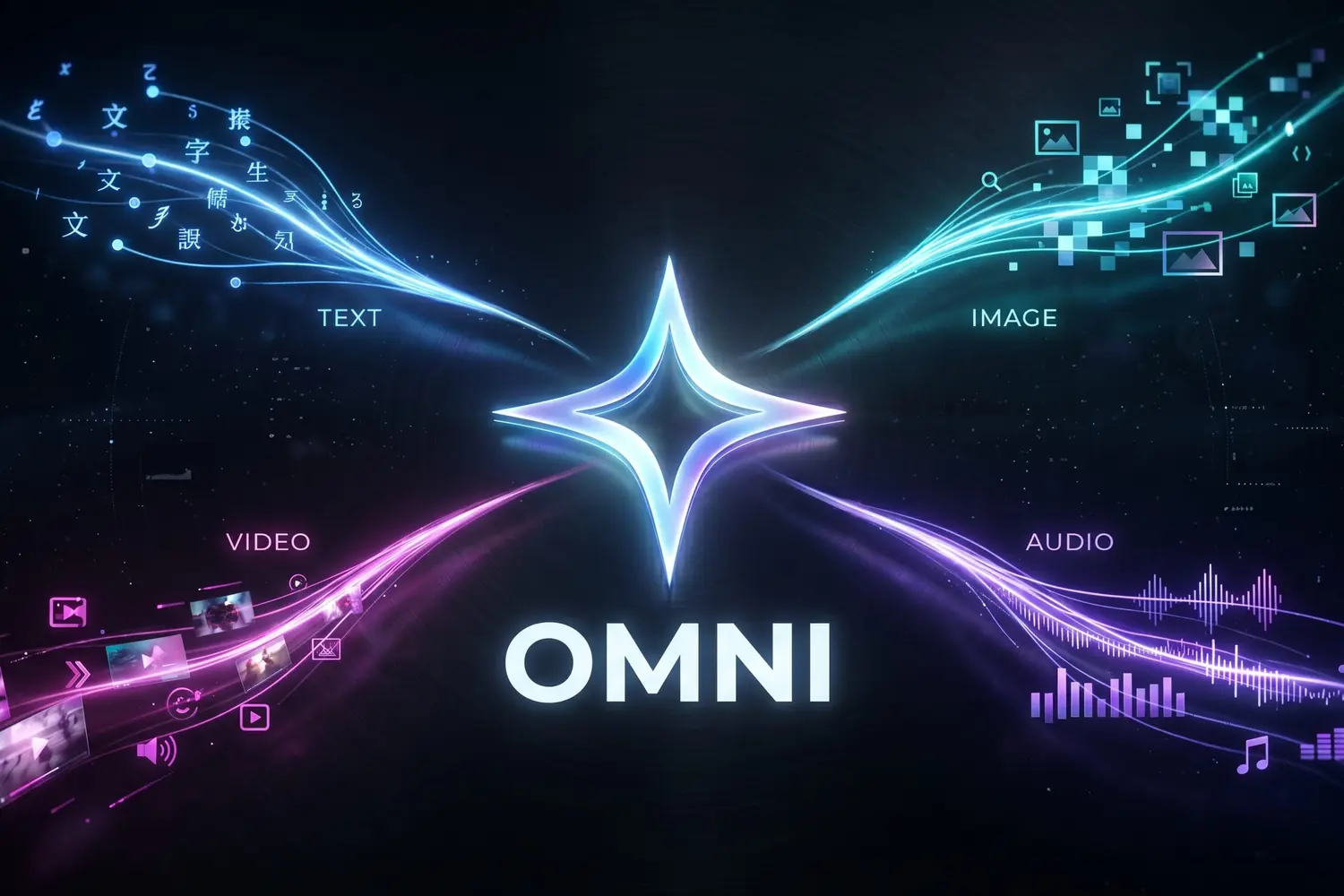
Gemini Omni is Google’s first any-to-any model: it understands and generates text, image, audio and video natively. We tested its video generation and editing capabilities.
The new model of GoogleGemini Omni, stands out for its ability to simultaneously process several types of media (text, image, audio, video) without going through intermediate models. This approach not only allows you to generate videos from simple text descriptions or images, but also to edit existing sequences with precision.
A classic generation interface
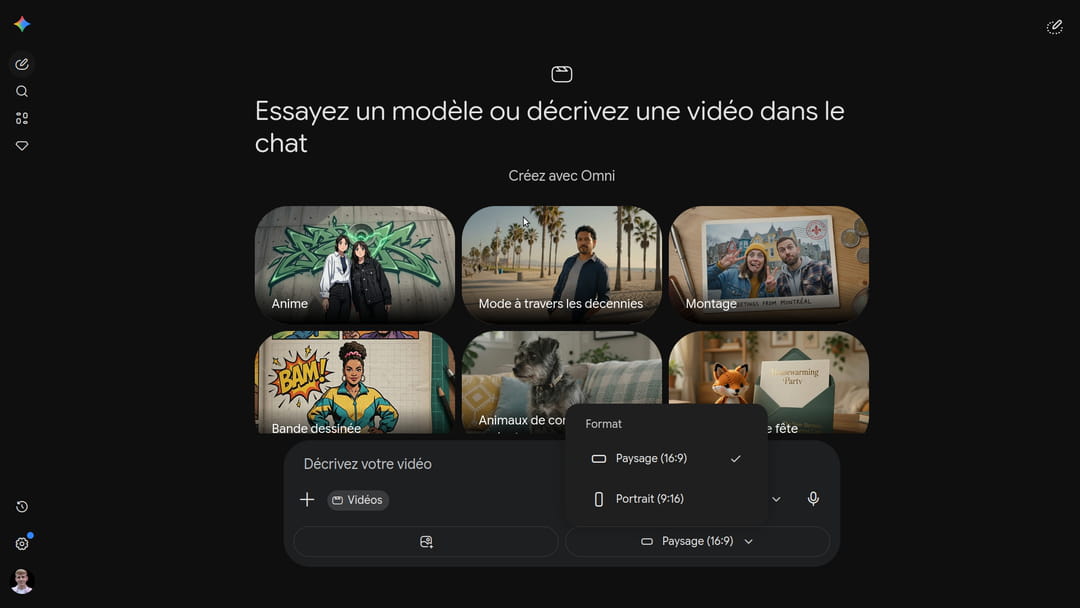
For our first tests, we explored the Gemini consumer application. It is now possible to set the aspect ratio of your clip (landscape or portrait) before starting generation to avoid approximations. The interface also offers predefined templates allowing you to instantly apply a particular graphic style.
Edit videos
The main advantage of Gemini Omni is being able to modify an existing video in natural language, adding, removing or transforming specific elements of a scene without having to regenerate or rework the entire sequence. All you have to do is describe what you want to change, and the template takes care of the rest while preserving the visual consistency of the rest of the video.
The prompt:
The beginning of the futuristic vision looks frozen, then comes alive as it climbs. For a more realistic result, we could have inserted an image of the futuristic world we wanted.
Replacing an Object with a Reference Image
Replacing a visual element in an existing video by providing a reference image is a particularly useful real-world case for teams who want to integrate a product into a real scene. Please note: in the general public Gemini application, audio and video input functionalities are currently blocked in the European Economic Area (EEA) for regulatory reasons (GDPR, AI Act). These restrictions can be partially circumvented using Google Flow, accessible through the Google AI Pro subscription.
The prompt:
The result is qualitative both visually and sonically, the problem is that Omni understood that it was necessary to replace all taxis with this luxury car…
Edit a scene
In this example, we’ll transform a sunny shot of New York into a storm scene.
The prompt:
Observing the result, if Gemini generally respects the instructions imposed by the prompt, the visual quality of certain elements still leaves something to be desired. The lightning generated lacks realism and the water animation appears artificial.
Synchronized audio generation
The other strength of this any-to-any model lies in its ability to generate sound synchronized with the action on the screen. To verify this, we generated a sequence showing a laptop opening on a minimalist desk, describing in the prompt the sound of the hinge, a startup sound and an open-plan background noise.
The audio result is mixed: although the requested sound effects are present, the keyboard noises start too early.
From photo to video
This is one of the most interesting points with Gemini Omni: you can provide it with photos as a starting point to generate an animated video. Here, we provided images of a location in order to have a 360° video of it.
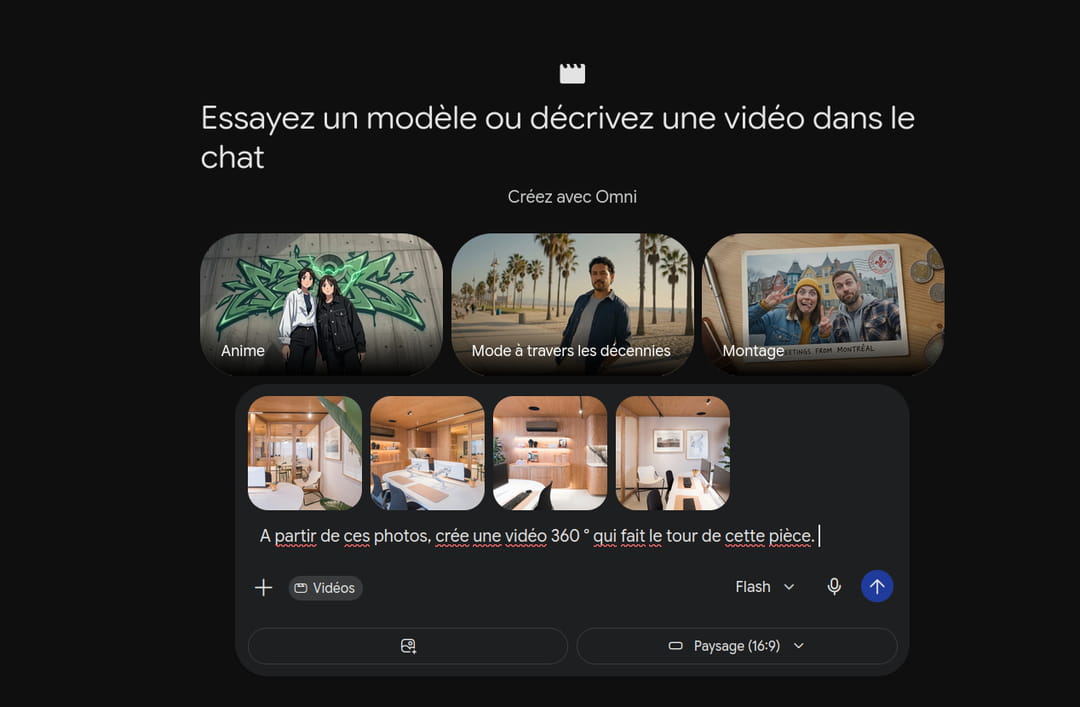
The final result is visually convincing, offering beautiful fluidity between images. However, the tool failed to generate the full 360-degree rotation requested, settling for a partial panorama.
Beyond the animation of places, this ability to generate videos from still images finds a particularly relevant application in the field of advertising. Here, we wanted to test creating a video from a sports shoe.
The prompt:
The result is qualitative, even if the transitions could be more fluid. The shoe is, on the other hand, completely faithful to the image transmitted.
Create a digital duplicate
Gemini Omni allows you to create a digital double: an AI clone of your face and voice, usable in all generated videos. This functionality is currently not available in the EEA (including France), nor in the United Kingdom or Switzerland.
The creation of this digital clone is done directly from the Gemini application. The user is asked to scan their face from multiple angles using the front camera, then read a few sentences out loud to model their voice. Once generated, this avatar is associated with the user’s Google account in the form of a tag (for example @name). It then becomes extremely simple to integrate it into any video by simply mentioning this tag in the generation prompt.
Series of clips with the same character
Gemini Omni allows you to import visual elements (characters, places or objects) in order to guarantee graphic consistency throughout a production. In this example, we will use Google Flow, an AI production tool developed by Google Labs, which uses Omni. Google Flow is available to paid subscribers and uses a credit system.
Step 1: Create the character reference image
First of all, you must generate a clean reference image of the character with Nano Banana. For the generated character to be effective, use a plain background (preferably white), request front and profile photos to improve the final quality of the video, and ensure that no other people or faces appear in the image.

Step 2: generate the ad clips one by one
For each clip, recall the character via @character (@sophie in our example) in the prompt, with the Omni model activated. You must then slide the product. The advantage with Google Flow is that you can choose the duration, the model, the number of versions you want and the desired orientation.
Here are the prompts we tested to create an ad, following this structure:[Cadrage] + [@Personnage] + [Action] + [Décor] + [Style & Ambiance] + [Audio].
Clip 1
Clip 2
Clip 3
Clip 4
Be careful to always include the character and product in each message on Flow, otherwise the tool may use another character. There are always inconsistencies in the settings if we generate several videos in the same place, the AI does not necessarily have the notion of this. A good idea is to create a storyboard with Nano Banana to generate consistent locations and characters throughout the video.
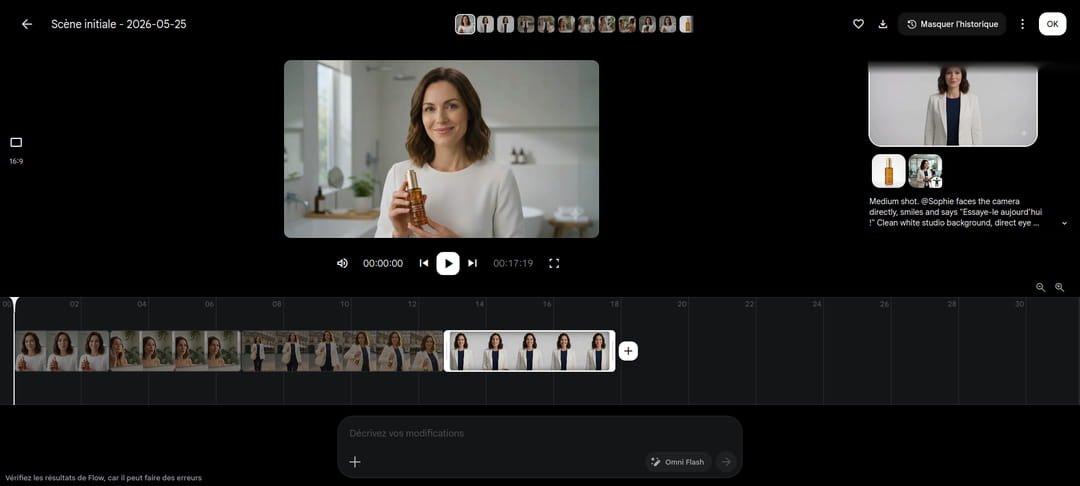
Flow directly integrates an editing tool, where you can insert the different clips generated, and modify them directly with the agent. For the moment, it is only possible to modify one video at a time, which must be carefully selected.
Videos with watermark
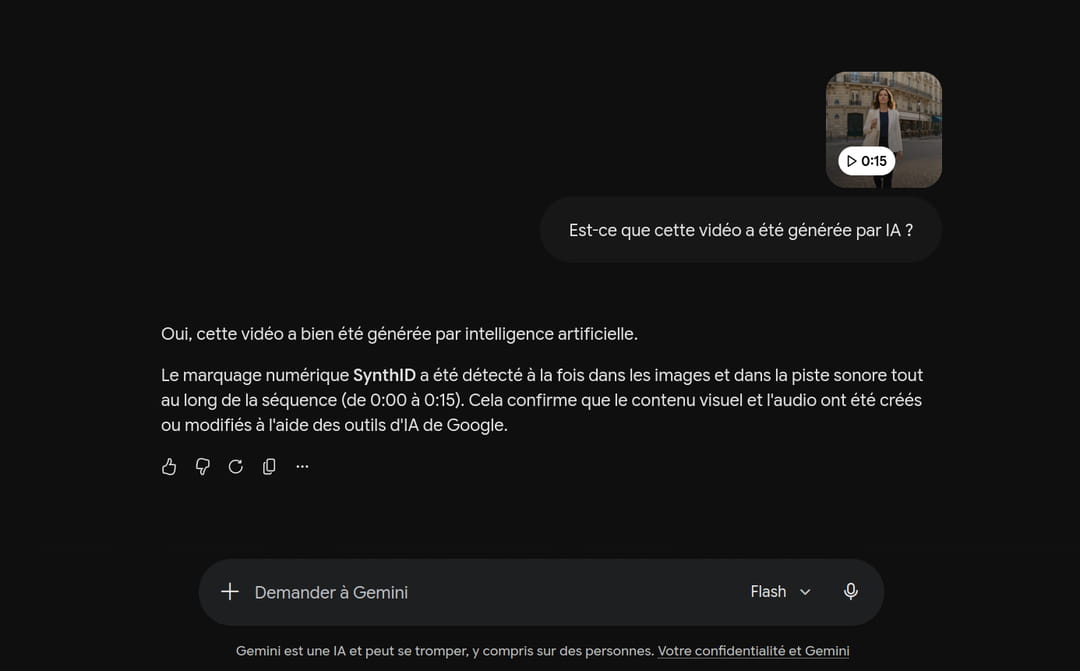
All videos produced by Gemini Omni now incorporate the technology SynthIDdeveloped by Google DeepMind. This digital watermark is injected directly into the pixels of each image during generation. Unlike traditional visual markings which can be cropped or erased, this signature remains detectable even after modifications such as compression or cropping.
We tested with one of our generated videos, and Gemini recognizes its creation well.
Pricing and access
Three subscription levels provide access to Gemini Omni. The free tier allows Gemini Omni Flash to be used within the standard application, with geographic restrictions for video and audio functionality. The Google AI Pro subscription (€21.99/month) unlocks full access to Google Flow. Finally, Google AI Ultra (€99.99/month) offers extended quotas and priority access to the latest models. Gemini Omni Flash is available to all subscribers, but Gemini Omni Pro, the most powerful version, does not yet have a confirmed availability date.
Gemini Omni marks a real milestone in AI video creation. Its multimodal approach (text, image, audio, video) in a single model simplifies processes that previously required several distinct tools. In our tests, generating and editing videos from reference images is convincing, and creating recurring characters via Google Flow opens up serious prospects for mass production of content.